← Blog · September 13, 2026 · ChengYoung · 6 min read
Why I Don't Store License Keys on Third-Party Servers
License keys are customer assets. Here is the reasoning behind an offline-first licensing design — and what it honestly costs you.
- License keys are signed statements — the private key never needs to leave your machine.
- Online license servers add data exposure and a single point of failure.
- Offline-first trades instant revocation for data ownership and offline support.
- It's a fit decision, not dogma.
The one-sentence version
If your customers' license keys never touch a server you don't control, there is no key escrow, no single point of failure, and no reason for a customer to worry about what happens if your service disappears.
What a license key actually is
A license key is a cryptographically signed statement: this machine is allowed to run this software until this date. The private signing key is what makes it unforgeable. If that private key stays on your machine and only the public verification key ships with your app, then validating a license requires no network at all — the customer's computer checks the signature locally.
That property is the whole foundation of offline licensing: the signer is you, and only you. No middleman ever has to hold, forward, or "verify" your keys on your behalf.
The hidden costs of online license servers
License-as-a-service platforms are convenient — they handle issuing, validation, trials and revocations. But convenience comes with costs that are easy to underestimate when you are a small indie developer:
- Data exposure. Every key you send to a server becomes part of that vendor's data surface. A breach or a disgruntled employee at the platform is not hypothetical — it is an attack surface you cannot control.
- Single point of failure. Your customers can no longer validate licenses when the service is down, when it is rate-limiting you, or when it quietly shuts down. Your product's revenue depends on a third party's uptime.
- Offline is a real requirement. A surprisingly large share of desktop users work offline or behind restrictive networks (factories, labs, government offices, air-gapped setups). If your licensing breaks offline, you are un-selling to exactly the customers who value your desktop app the most.
- Trust cost. Your customers have to trust that the platform is not logging every activation with your machine codes and your sales data.
How offline signing actually works
The design is simple and battle-tested:
- Generate an RSA (or Ed25519) key pair. The private key stays on your machine — ideally in an OS-protected vault (DPAPI / Keychain / safeStorage), never embedded in your app, never uploaded.
- Sign a compact JWT-style token with the private key: machine code, license type, issue/expiry timestamps, version range, edition.
- Ship only the public key inside your app. On activation the app verifies the signature locally and checks the machine code matches.
- Handle trials, renewals, re-hosting and revocation entirely with new signed tokens — all offline.
Because the private key never leaves your machine, a breach at any third party cannot forge your licenses. There is simply nothing to steal server-side.
A minimal signing example (Node.js, runs on your machine only):
// Sign a license token — the private key never leaves this machine
const jwt = require('jsonwebtoken');
const token = jwt.sign(
  { machine: 'ABC1-DEF2-3456-7890', edition: 'pro', type: 12, exp: 1798761600 },
  privateKey,            // OS-protected vault, not embedded in the app
  { algorithm: 'RS256' }
);
// Ship only the public key; validate locally with jwt.verify(...)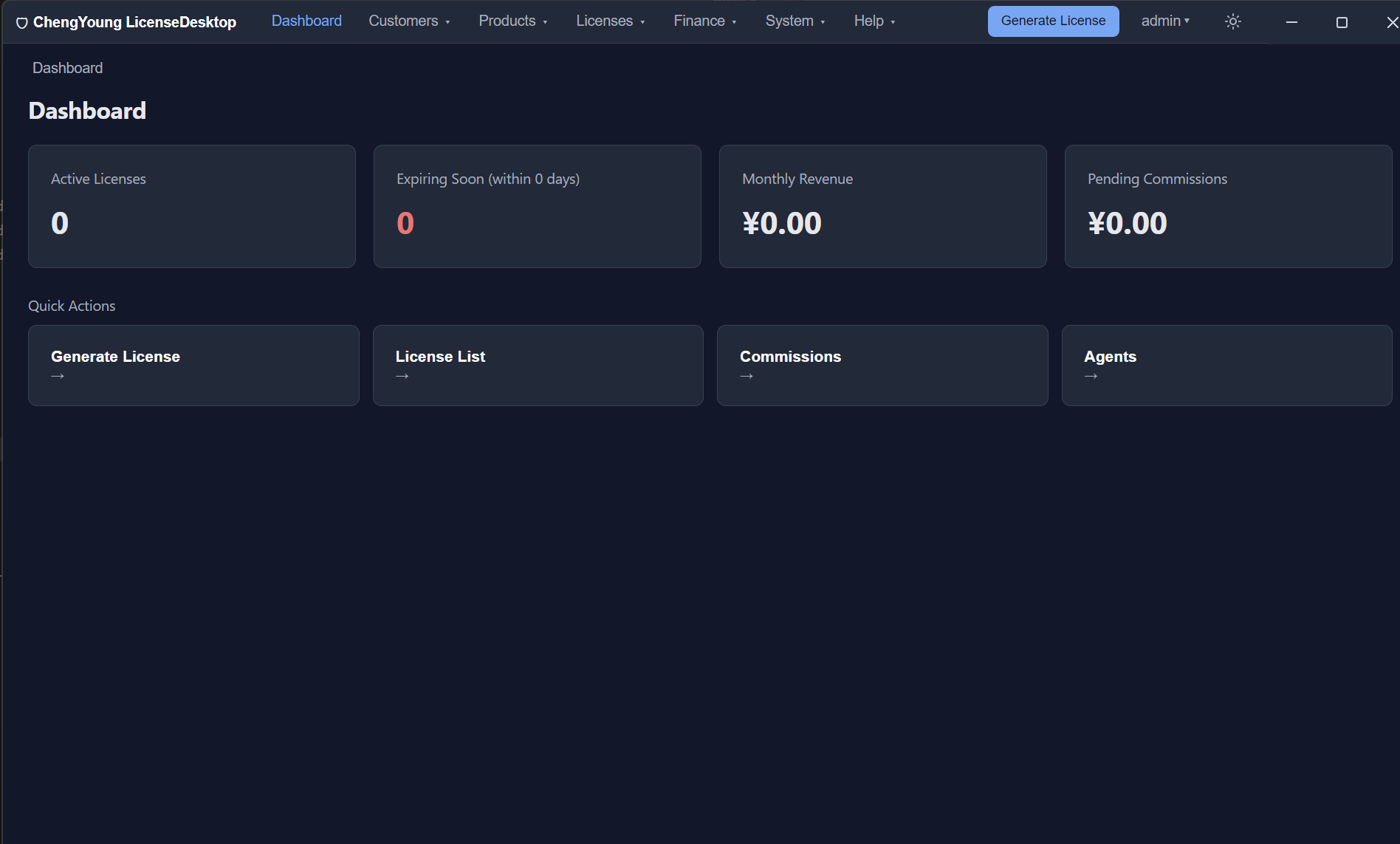
What offline honestly costs you
I built LicenseDesktop as an offline-first licensing system, and I want to be straight about the trade-offs:
- No instant cloud revocation. A revoked license only stops working on the customer's next check-in / renewal attempt. If you need battlefield-grade kill-switches, you need a phone-home channel — offline can't do that alone.
- No hosted analytics of activations. You get activation records in your local database instead of a SaaS dashboard. That is a feature (privacy), but it means you own your reporting.
- Online purchase is a separate, optional layer. Payment still needs the internet. In my case, the purchase flow and license fulfillment can be online while the signing core stays local — the storefront and the key vault are decoupled.
When a server is the right answer
If your product is subscription-SaaS, if you genuinely need device-count enforcement with real-time lockout, or if your customers expect SSO — then a hosted licensing layer is the pragmatic choice. Offline-first is not dogma; it is a fit decision. But for desktop software sold to developers, privacy-minded users, or B2B buyers who value their own data, "your keys never leave your machine" is a positioning advantage you can actually defend in a sales call.
What this looks like in practice
In LicenseDesktop, the private key is read only by the main process and stored in an OS-protected vault; the renderer never sees it. Activation codes are RSA-signed JWTs validated against a public key, machine-code-bound, and protected against clock rollback with a time high-water mark (file + registry). Everything — issuing, renewal, re-hosting, revocation, even a 14-day trial — works offline on a clean Windows machine. Online purchase, updates and encrypted cloud backup are optional extras that sit on top of the offline core.
If you want to try the offline-first workflow: download the free 14-day trial, issue your first signed license in about ten minutes, and see whether the trade-offs above fit your product. If you'd rather ask a question first, reach out — I read every message.
Related reading
- Offline vs online licensing — how indie developers should choose (up next in this series)
- How license key verification actually works with RSA (up next in this series)
- Preventing clock rollback in offline licensing (up next in this series)
Share: Hacker News · Reddit · X